By
By 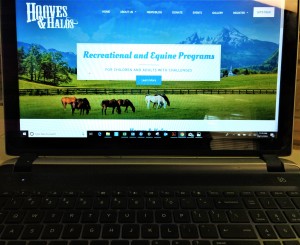
Good Morning!!!
Registration is (or will be) open for the Oct 8th, 2026 Fall Playday. Registration closes Sept 17th.
If you have questions, read this. If you don't find the answers, let's talk. Send me a note and I will add questions and answers here.
Internet Explorer is not compatable with our Website. You will need to use a newer browser such as Google Chrome, Microsoft Edge, Firefox, ect.
Take a breath and look around. It really gets easier after you have looked around a little.
School/Adult group Registration:
NOTE: This website works with Google Chrome, Microsoft Edge and Firefox. Safari and older browsers will not be recognized.
- Go to REGISTER at the top
- Click on Guest (or the form that applies to you)
- Click on the link above group name line and download both release forms
- Put the leader of the group first
- Click on Add Attendee. All that plan to attend need to be registered and have a release form.
- Fill in one sheet for every guest (It helps decrease confusion if you have your list on paper, go down the list, check each name off after you have registered them)
- Check "I am not a robot"
- Hit Submit
Your registration comes to us.
You will see a Thank You page. Download your registration and check it for accuracy. ( If at all possible, use Microsoft Edge Browser, everything works better in there) If there are any problems, send me the info by email or contact form .
I promise this will actually be easier for all of us, once we have worked with it a little.
Pray you are having a blessed day!!
Johnette
Johnette Poole